Which Phones Can Read an NFC Business Card?
By NFC Business Cards Editorial Team | Published | Guides
Most modern iPhones and Android phones can read an NFC business card. This guide covers where to tap, why a tap sometimes fails and how the printed QR code covers every other phone.
Most smartphones sold in recent years can read an NFC business card. iPhone XR and later read the card in the background with no setup, and most Android phones do the same once NFC is switched on. Phones without NFC, or with it turned off, can scan the printed QR code on the card instead, which opens the same profile.
This guide explains how phones read the card, where to hold it, what to do when a tap does not work, and why the QR code matters. For the full background on chips and materials, see our pillar guide to how NFC business cards work.
How a phone reads an NFC business card
An NFC business card contains a passive chip and a small antenna. The chip has no battery. When a phone with NFC comes within a few centimetres, its reader creates a short-range field that powers the chip for a moment. The chip sends back the web link stored on it, and the phone opens that link in its browser.
Because the range is so short, the phone and card have to almost touch. That is a feature rather than a flaw: the card cannot be read from across a room, and the person holding the phone stays in control of what opens.
iPhone
iPhone XR and later
iPhone XR, iPhone XS and every later model read NFC tags in the background. Nothing needs to be installed or switched on. The phone must be:
- unlocked, with the screen on;
- not already using NFC for something else, such as Apple Pay or the Wallet.
When the card is tapped, a notification appears at the top of the screen. Tapping the notification opens the profile in Safari.
Older iPhones
iPhone 7, 8 and X can read NFC tags, but not in the background. On recent iOS versions they can use the NFC Tag Reader control, which can be added to Control Centre. In practice it is quicker to point the camera at the QR code on the card.
Where the iPhone antenna sits
On an iPhone, the NFC antenna sits near the top edge of the phone, by the rear cameras. Hold the card flat against the top of the back of the phone. Tapping the middle or bottom of an iPhone is the most common reason a tap seems not to work.
Android
Turning NFC on
Most Android phones from recent years have NFC, but on some it is switched off by default or after a software update. It is usually under Settings, then "Connected devices", "Connections" or "Connection preferences", and is labelled NFC. Some phones also show an NFC tile in the quick settings panel.
The screen generally needs to be on and unlocked. When the card is read, the phone either opens the link directly or shows a prompt to open it.
Where the Android antenna sits
The position varies by maker and model. On many Android phones the antenna sits in the middle of the back, often around the camera module or just below it. On some it is nearer the top. If the first tap does nothing, slide the card slowly across the back of the phone until it responds, and remember the spot for next time.
What to do when a tap does not work
Most failed taps come down to position, settings or something in the way. Work through this list:
- Check the screen. Wake the phone and unlock it.
- Move the card. Try the top edge first on an iPhone, then the middle of the back on Android. Hold the card still for a second.
- Check NFC is on. On Android, look in the connection settings.
- Remove obstacles. Thick cases, metal plates, magnetic mounts and card wallets on the back of the phone can block the field. Take the phone out of the case and try again.
- Close payment screens. If Apple Pay, Google Wallet or another payment app is open, close it first.
- Try the other side of the card. With metal cards in particular, the side you tap matters. See our comparison of metal, PVC and wood cards for why.
- Use the QR code. If none of this works, scan the code.
The QR code fallback
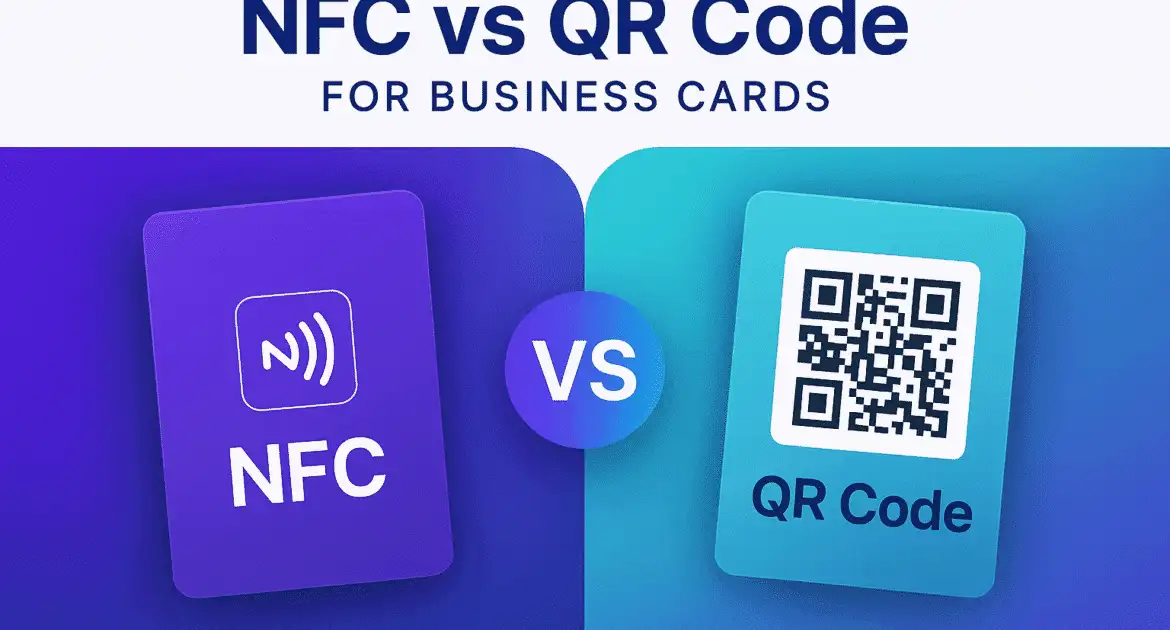
Every card we sell has a QR code printed on it that opens the same profile as the chip. It covers the situations NFC cannot:
- phones without an NFC reader;
- phones where NFC has been switched off and the owner does not want to change settings;
- sharing your profile on a screen, a slide or a printed sign;
- people who simply prefer using the camera.
Modern iPhone and Android cameras recognize QR codes without a separate app. Point the camera at the code and tap the link that appears. Having both NFC and QR on one card is what lets it work with practically any smartphone.
Making the first tap go smoothly
Most people have never been handed an NFC card, so a short prompt helps:
- Say "tap here to save my details" and hold the card where their phone's antenna is likely to be.
- If they have an iPhone, point to the top of the back of their phone.
- If nothing happens after a couple of seconds, offer the QR code rather than trying repeatedly.
- Make sure the profile opens to your name and a clear save-contact button, so the moment is not wasted.
Frequently asked questions
Does the other person need an app?
No. iPhones and Android phones read the card with their built-in NFC reader and open the profile in the browser. The QR code also opens in the standard camera.
Can a phone read the card through a case?
Usually, yes. Thin plastic and silicone cases rarely cause problems. Thick cases, metal plates, magnets and wallet cases can block the signal, so remove them if a tap fails.
Why does my iPhone not react when I tap the card?
The most common reason is tapping the wrong spot. Hold the card at the top of the back of the phone, near the cameras, with the screen unlocked. Older iPhones need the QR code or the NFC Tag Reader control.
Will the card work on a tablet?
Many tablets do not include NFC. Use the QR code with the tablet camera instead.
Does tapping the card use the other person's data?
Opening the profile loads a web page, so it uses a small amount of mobile data or Wi-Fi, just like opening any website.
Next steps
The NFC Business Cards homepage gives a short overview of how the cards and profiles work. If you are choosing a card, the NFC business card product page shows every material and finish, with the chip and printed QR code included on each one. For what the chip actually holds, read are NFC business cards secure?.