By NFC Business Cards Editorial Team | Published | Updated | Buying guides
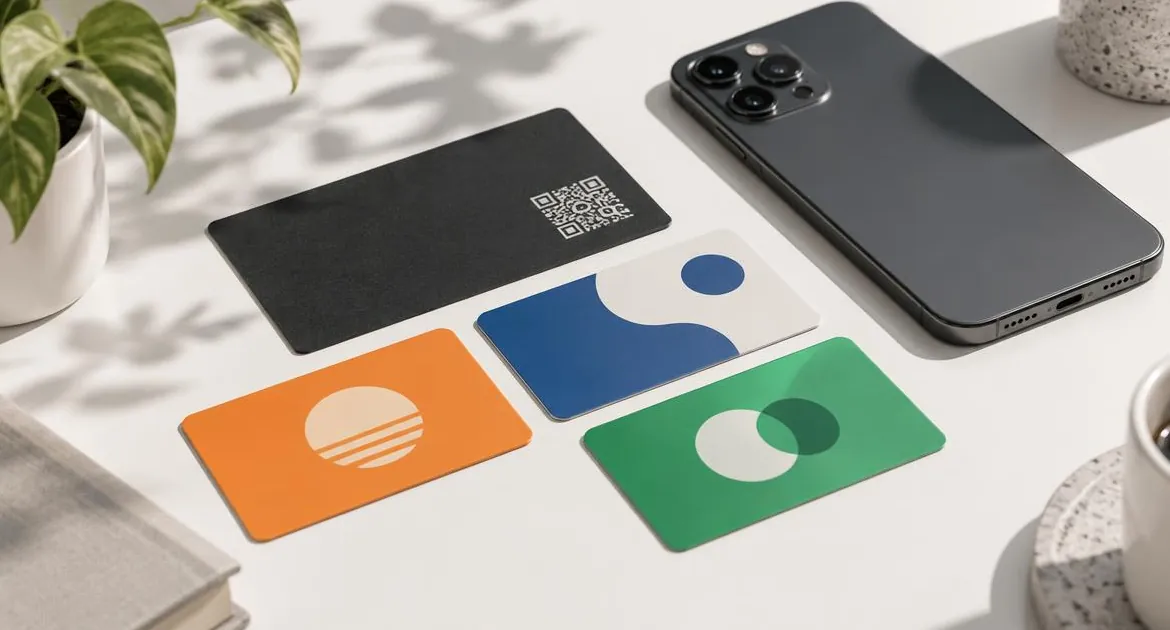
Both cards look similar and both open something on a phone with a tap. The difference is what opens. An NFC business card opens a full profile you edit yourself. A social media NFC card opens one link: your Instagram, TikTok, LinkedIn or WhatsApp.
This guide compares the two, with real prices for your store, and explains who needs which. For how the technology works, start with our guide to how NFC business cards work.
What each card opens
An NFC business card opens your online profile. It shows your name, role, photo or logo, phone, email, website and as many links as you want, with a button to save your contact. You edit the profile at any time. A social media NFC card stores one link. A tap opens that account or chat, for example:- an Instagram NFC card opens your Instagram profile;
- a LinkedIn NFC card opens your LinkedIn profile;
- a TikTok card opens your TikTok account;
- a WhatsApp card opens a chat with your number.
You can see all of them on our social media NFC cards page.
The quick comparison
| NFC business card | Social media NFC card | |
|---|---|---|
| What a tap opens | A full profile with your details and links | One link, such as one social account |
| Save your contact | Yes, a save-contact button | No, it opens the account or chat |
| Printed QR code | On every card | On the With QR styles |
| Materials | PVC, bamboo wood or metal | PVC in the platform's colours |
| Changing what it opens | Edit the profile at any time | Rewrite the card, or the optional yearly editable-link add-on |
| Your name on the card | Yes | On the With Name styles |
| How you pay | Once | Once, plus the add-on yearly if you choose it |
Prices in your store
The table shows the social card styles and the NFC business card side by side, in the currency of the store you are browsing.
| Card | What it opens | Price |
|---|---|---|
| Social media card: Simple | One link, such as your Instagram, TikTok, LinkedIn or WhatsApp | Price on request (ask for a quote) |
| Social media card: With QR | One link, such as your Instagram, TikTok, LinkedIn or WhatsApp | Price on request (ask for a quote) |
| Social media card: With Name + QR | One link, such as your Instagram, TikTok, LinkedIn or WhatsApp | Price on request (ask for a quote) |
| Social media card: Name + QR + No Branding | One link, such as your Instagram, TikTok, LinkedIn or WhatsApp | Price on request (ask for a quote) |
| Optional Editable URL + Live Dashboard & Analytics | Change the link from a dashboard | Price on request (ask for a quote) |
| NFC business card, PVC, Brand Presence plan | A full profile you edit at any time | Price on request (ask for a quote) |
Who needs a social media NFC card
A social card makes sense when one account is the whole point.
- Creators who mainly want new followers on one platform.
- Shops and cafés that want customers to open their Instagram or WhatsApp at the counter.
- Events and stands where you want one action, such as following an account.
- Anyone on a tight budget who only needs one link.
The simplest style has no printed QR code, so phones that do not read NFC cannot open it. If that matters, choose a With QR style.
Who needs an NFC business card
An NFC business card makes sense when people need to save you as a contact or see more than one thing.
- Professionals who meet clients, partners or employers.
- Freelancers and consultants who want contact details, a portfolio and a booking link together. Our guide for consultants and freelancers shows what to include.
- Teams where each person needs their own contact details.
- Anyone whose details change, because the profile is edited, not the card.
- Trainers and coaches who want a timetable, a booking link and WhatsApp in one place. See our guide for personal trainers and coaches.
Every NFC business card has a printed QR code, so other camera phones can open the profile too.
Using both
Many people carry both, for different moments.
- Use the NFC business card in meetings, interviews and client conversations, where the other person wants your contact.
- Use a social card on a counter, a stand or at a creator event, where one follow or one chat is the goal.
The two do not compete. Your profile can also link to the same social accounts, so a tap on your business card still leads to them.
Changing what a card opens
This is the biggest practical difference.
- NFC business card. The card opens your profile. You change the profile, and every card you have handed out shows the update.
- Social media card. The card stores one link. To point it somewhere else, you either rewrite it with a phone app, which our guide to updating the link on your NFC card explains, or choose the optional Editable URL + Live Dashboard & Analytics add-on, which is a yearly subscription. A printed QR code does not change when the chip is rewritten.
If the link on a social card is your account address, it rarely needs to change. If you rename the account or switch platforms, plan for that.
What to check before you buy
- What should a tap open? One account, or your full details?
- Do people need to save your contact? Only the business card does that.
- Does the QR code matter? Every business card has one. Social cards have it on the With QR styles.
- Will the link change? Profiles are edited at any time. Social card links are rewritten or need the add-on.
- What is your budget? Social cards cost less. The business card does more.
Our guide to the NFC business card price breaks down the business card price in your store. To compare tapping with scanning, read NFC vs QR code business card.
Phones
Both cards follow the same phone rules. A tap works on iPhone XR or later and on Android phones with NFC switched on. Other camera phones need the printed QR code, which every business card has and the With QR social styles have.
Our view
If you are choosing one card for your working life, choose the NFC business card. It covers your contact details and all your links, including your social accounts. Add a social card when one account deserves its own tap, such as at a shop counter or on a stand.
See the full range of materials and plans on our NFC business card page.
Frequently asked questions
What is the difference between an NFC business card and a social media NFC card?
An NFC business card opens a full profile you edit, with a save-contact button. A social media NFC card opens one link, such as your Instagram or WhatsApp.
Which is cheaper?
The social media card. The price table in this guide shows both in your store's currency.
Do social media NFC cards have a QR code?
The With QR styles do. The simplest style has no printed QR code.
Can I change the link on a social media card?
Yes, by rewriting it with a phone app, or with the optional yearly Editable URL add-on. A printed QR code does not change.
Can my NFC business card open my Instagram?
Your profile can link to Instagram and your other accounts. A tap opens the profile, and people choose the link from there.
Should I buy both?
If one account deserves its own tap, for example at a shop counter, a social card is a good addition to your business card.
Which social media cards do you sell?
Cards for Instagram, TikTok, LinkedIn and WhatsApp, among others. They are all on the social media NFC cards page.