NFC Profile Card: the Profile Behind Your Tap
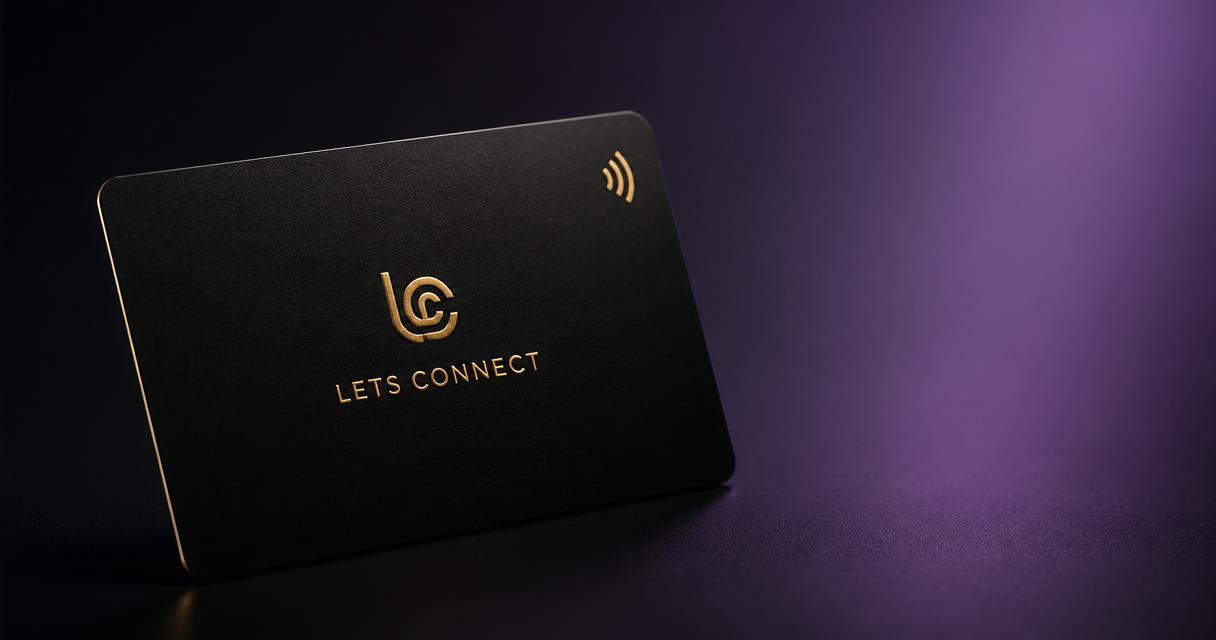
This card is all about the profile it opens. You get a PVC card with an NFC chip and a printed QR code, and behind it a profile page with your contact details, links and social accounts that you can change whenever you like.
Compare every material on the NFC business card page
When the profile matters more than the card
Some people mainly need one place to send others: a consultant with a booking link, a creative with a portfolio, a salesperson whose number changes with each role. For them the card is simply the door, and the profile is the room people walk into. A good profile answers the question people ask straight after meeting you: how do I get back in touch?
Your profile holds the details people usually ask for — phone, email, website and social accounts — with a button to save you as a contact. When something changes, you update the profile and every card you have already handed out shows the new version. Nothing needs reprinting.
Choose the plan to match: Brand Presence covers your own branding and links, while Business Add-ons adds CRM, leads and bookings. If you would rather have metal or bamboo wood, or want to compare every option side by side, the main NFC business card page has the full range.
Frequently asked questions
- Does this come with a physical card?
- Yes. You get a PVC NFC card in the colour you choose, linked to your profile. The tap and the printed QR code both open the profile.
- Can I change my profile after the card arrives?
- Yes. Edit your profile from your account whenever your details change; the card itself stays the same.
- Do people need an app?
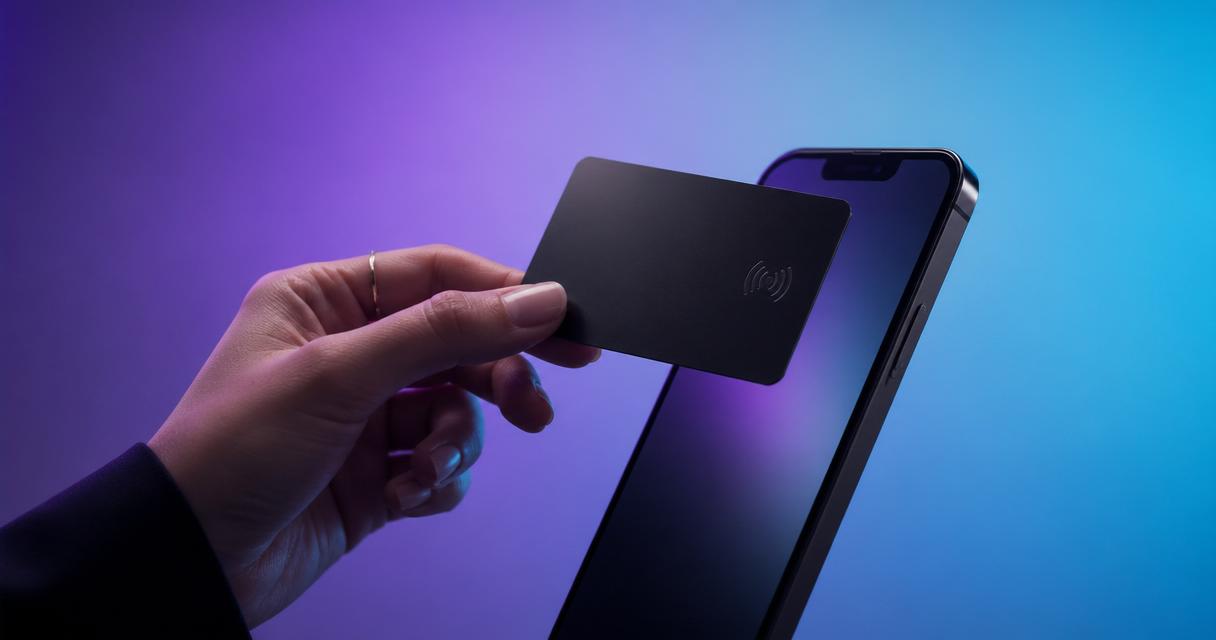
- No. The profile opens in the phone’s browser, with a tap on phones that read NFC or by scanning the printed QR code.
- Who hosts the profile?
- Our platform partner (Lets Connect) hosts the profile your card opens.
Ordering the NFC Profile Card worldwide
Prices are shown in USD ($). Tracked delivery from the UK, free on orders above £50. Every business card ships with an NFC chip and a printed QR code, so NFC phones can tap it and other phones can scan it, without any app.
Helpful guides
- How NFC business cards work: a plain-English guide
- NFC vs QR code business card: tap or scan?
- Are NFC business cards secure?
Related products
Compare NFC Profile Card with Blinq, HiHello, Popl & Linq
How NFC Business Cards stacks up against the four most-searched app-based digital business card competitors — Blinq, HiHello, Popl and Linq. Only NFC Business Cards ships a physical NFC card, a built-in CRM, bookings and 35+ templates on a one-time price.
| Feature | NFC Business Cards | Blinq | HiHello | Popl | Linq |
|---|---|---|---|---|---|
| Physical NFC card included | ✔ Yes — PVC, metal & wood | ✘ Digital-only | ✘ Digital-only | ✔ Yes (limited materials) | ✔ Yes (limited materials) |
| No app required to share | ✔ Works in any browser | ✔ Works in any browser | ✔ Works in any browser | ✘ Recipient app suggested | ✘ App recommended |
| Built-in CRM & lead capture | ✔ Included | ✘ Not included | ✔ Paid add-on | ✔ Paid tier | ✔ Paid tier |
| Custom branding & templates | ✔ 35+ templates included | ✘ Basic | ✔ Paid tier | ✔ Paid tier | ✔ Paid tier |
| Google review card variant | ✔ Yes | ✘ No | ✘ No | ✘ No | ✘ No |
| Bookings & calendar | ✔ Included | ✘ No | ✘ No | ✔ Paid tier | ✘ No |
| One-time pricing option | ✔ Available | ✘ Subscription-only | ✘ Subscription-only | ✘ Subscription-only | ✘ Subscription-only |