By NFC Business Cards Editorial Team | Published | Updated | Using your card
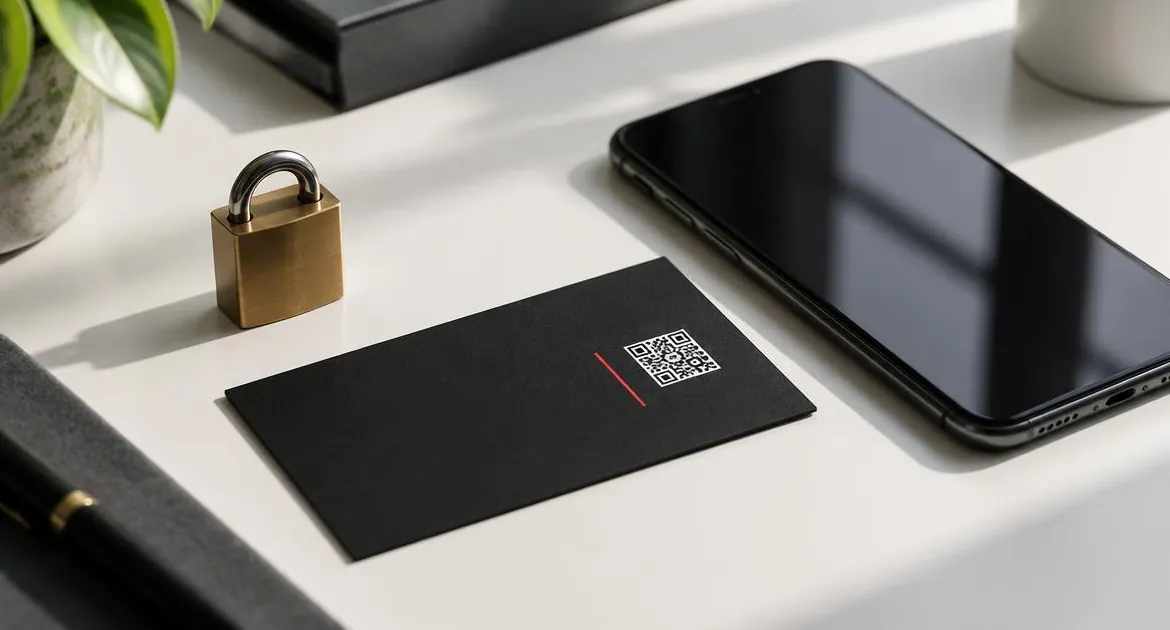
It is a fair question. You are handing a small radio chip to strangers. The good news is that the chip does very little. It stores one link and sends it to a phone that comes close. Everything that matters for privacy happens on your profile, which you control.
This guide explains what the chip holds, who can read it and how to keep your profile private. For how the card and profile work in general, see our guide to how NFC business cards work.
What the chip stores, and what it does not
| On the chip | On your profile | |
|---|---|---|
| What it holds | One short web link | The details you choose to publish |
| Who can see it | Anyone who taps or scans the card | Anyone who opens the link |
| Can you change it | Rarely needed | Yes, at any time |
| Personal data | None, unless someone writes it there | Only what you add |
| Payment details | Never | Never |
On our cards the chip holds a link to your profile. It does not hold:
- your contact details;
- any payment or bank information;
- passwords, files or anything from your phone;
- a record of who tapped it.
Your details sit on the profile, not on the card.
What happens when someone taps your card
- Their phone powers the chip for a fraction of a second.
- The chip sends back its link.
- Their phone opens the link in the browser.
- Your profile loads, showing what you have chosen to publish.
It is the same as handing someone a card with a web address printed on it. The person tapping sees your public profile and nothing more. The card cannot open apps, read their contacts or access your phone.
Can someone read the card without you knowing?
NFC only works over a few centimetres. The phone has to be almost touching the card, so reading it from across a room is not practical.
Even if someone did read it, they would only get the link to a profile you have already made public. The printed QR code holds the same link and anyone who can see the card can scan it. That is what it is for.
Can someone change what your card opens?
NFC tags can be rewritten unless they are locked. A locked tag cannot be changed by anyone, including you.
- Unlocked. Someone with the card in hand and a writing app on their phone could change the link. That needs your actual card, so the risk is mostly from a lost or borrowed card.
- Locked. Nobody can change the link, but neither can you.
If this matters to you, ask us before you order whether your card will be supplied locked, or how to lock it yourself.
In practice you rarely need to rewrite the chip at all. Your details change on the profile, not on the card.
Keeping your profile private
The profile is where privacy really matters, because that is where your details live.
- Publish only what you would print. A work email and work phone number are usually enough. Leave out a home address or personal number.
- Use the visibility controls. You choose which sections the profile shows and in what order.
- Use password protection where it helps. It suits sections such as documents you only want certain people to open.
- Check what people see. Tap your own card with your phone, and scan the QR code, to see the profile exactly as others will.
- Update when things change. If you leave a job or change your number, edit the profile. Every card you have handed out shows the change.
These controls are part of the profile plans. You can compare the plans on our NFC business card page.
A sensible profile for meeting strangers
If you hand your card to people you have just met, set up the profile as you would a paper card:
- your name, role and company;
- a work phone number and work email;
- your website and one or two professional social profiles;
- a save-contact button, so people do not have to copy anything.
Leave out anything you would not print: a home address, a personal phone number or family photos. If you want to share more with some people, such as documents or a price list, put it in a section with password protection and give the password in person.
What you control, and what you do not
You control everything on the profile: what it shows, in what order and when it changes. You do not control what someone does after saving your contact, any more than with a paper card. That is why the safest approach is simple. Publish only what you are happy for anyone to keep.
If you lose a card
A lost card is less of a worry than a lost wallet. It only opens your profile. If you lose one:
- review the profile and remove anything you would not want a stranger to see;
- change or remove details straight away if you are concerned, and the lost card then shows the edited profile;
- order a replacement card when you need one.
Contacts people leave on your profile
On the Business Add-ons plan, people can leave their own details on your profile through lead capture. Those details are personal data. Use them only for the follow-up the person expects, and do not share them further. Our privacy policy explains how we handle the data on our side.
NFC cards and contactless payment
People sometimes worry that an NFC business card could interfere with a bank card or a phone wallet. It cannot take a payment, read a bank card or open a phone's wallet. It only sends a link.
If a wallet holds several contactless cards together, a payment terminal may struggle to pick the right one. That is an annoyance at the till, not a security risk. Keeping the business card in a different slot solves it.
The same applies in reverse. Tapping your card on someone's phone does not touch their payment apps. The phone receives a web link and opens it in the browser, nothing more.
A quick checklist
- Open your own card on your phone and check what it shows.
- Remove anything from the profile you would not print on a paper card.
- Decide whether you want the chip locked, and ask before ordering if you are unsure.
- Keep the card with your other cards rather than loose.
- If you lose a card, review your profile.
If you are wondering whether the person you meet can open the card at all, read our guide to which phones can read an NFC business card. To choose the card itself, compare metal vs PVC vs wood NFC business cards.
Frequently asked questions
Is my personal data stored on the chip?
No. The chip on our cards stores a link to your profile. Your details are on the profile, which you can change or remove at any time.
Can someone hack my phone by tapping my card?
No. The card only sends a web link. It cannot access your phone or theirs.
Can someone copy my NFC business card?
Someone could copy the link. It is the same link printed in your QR code and shared every time you hand out the card, so it only leads to your public profile.
Can someone read my card from a distance?
Not in everyday use. NFC works over a few centimetres, so the phone has to be almost touching the card.
What should I do if I lose my card?
Review your profile and remove or change anything you are concerned about. The lost card will then open only what you leave on the profile.
Should I ask for a locked card?
If you worry about someone rewriting a lost card, yes. The trade-off is that nobody, including you, can change the link afterwards. Since your details change on the profile, most people never need to.
Does the card track who tapped it?
The chip does not record anything. Plans that include analytics can show visits to your profile, but the card itself stores no record of taps.